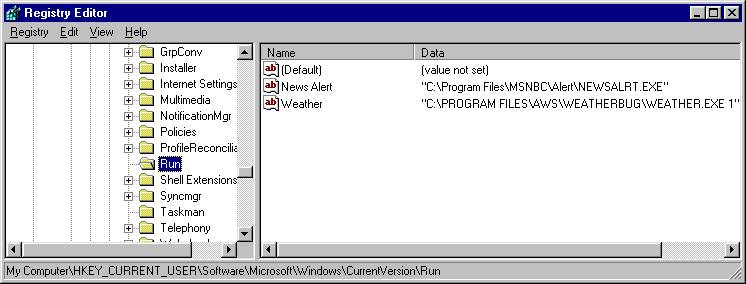
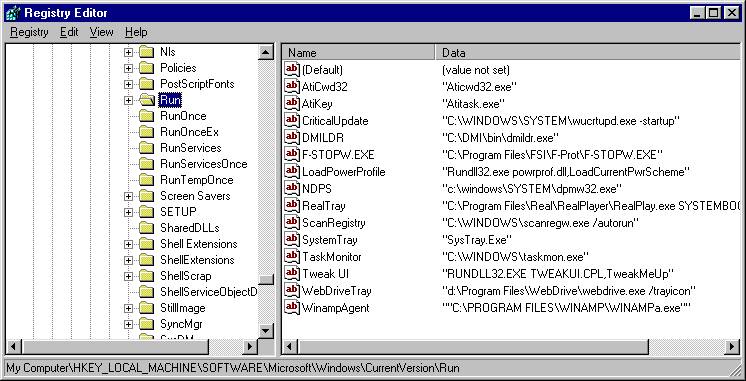
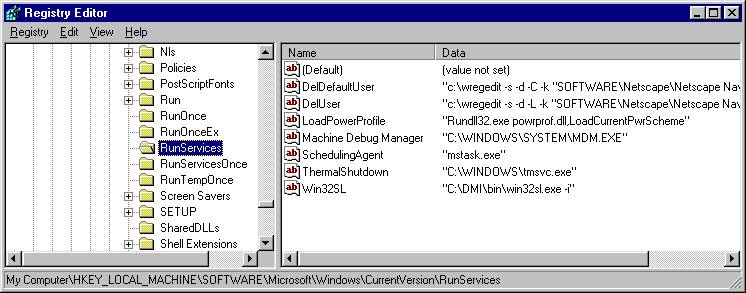
Programs list within the “Run…” folders start when the starts up and Icon are often placed in the bottom line system tray. By using the mouse to point to a program in the left window (left mouse click) and bring up a small menu using the right mouse button you can use the delete option to stop the program from running. Now some of these are system utilities like sound and video that you don’t want to stop but many are junk programs placed there from WEB surfing. So BE CAREFUL in here.
-----
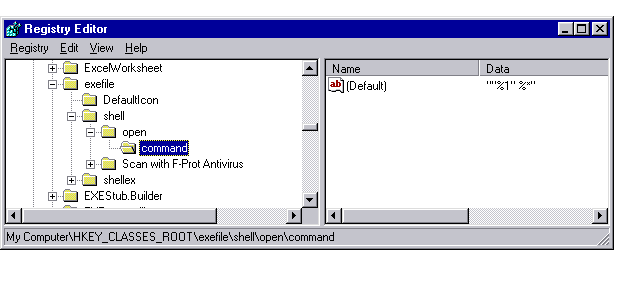
The registry screen shot shown here (WIN98) with the
“command” key
opened shows the standard default value.
Programs and viruses can place a launch commend or
run command in here
To be executed when the system starts up.